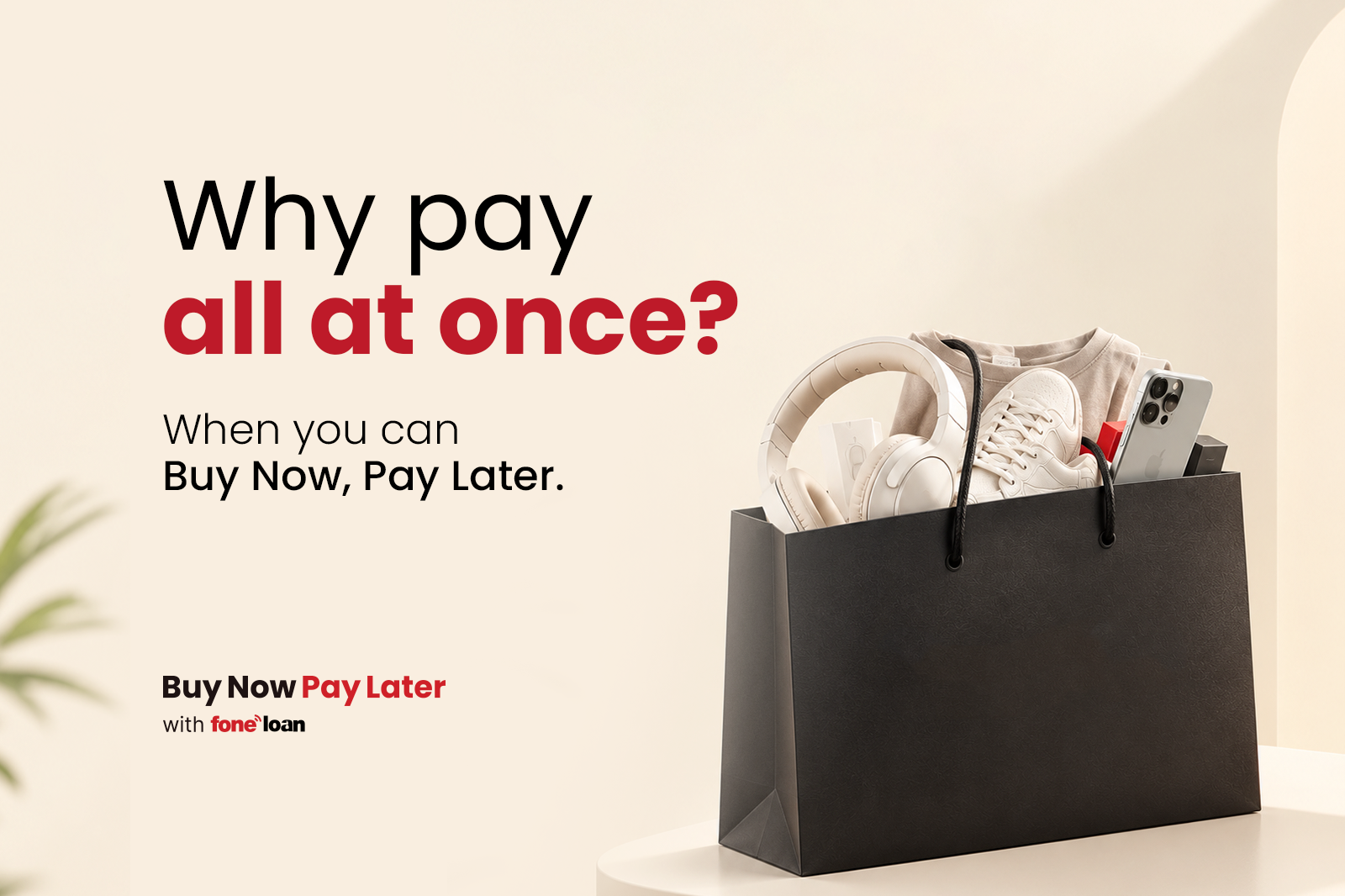
If you've recently explored the Foneloan dashboard in your banking app, you may have noticed the PayKey banner. But what exactly is PayKey, and how does it help you use Buy Now, Pay Later (BNPL)?
Before we get into PayKey, let's take a quick look at how BNPL works.
Buy Now, Pay Later (BNPL) is a payment option that allows you to purchase a product or service today and pay for it over time through installments, instead of paying the full amount upfront.
With Foneloan BNPL, eligible customers can use their available financing limit to make purchases at participating partner merchants and repay the amount through an EMI (installment) plan.
For example, suppose you want to purchase a product worth NPR 30,000. Instead of paying the entire amount upfront, if you're eligible for Foneloan BNPL and the merchant supports it, you can choose BNPL at checkout, select an available EMI plan, and repay the purchase in installments according to the selected plan.
And this is where PayKey comes in.
PayKey is a one-time, single-use code that allows eligible Foneloan customers to use their BNPL financing at participating merchants.
You can generate your PayKey directly from the Foneloan dashboard in your partner bank's mobile banking app.
When you're ready to make a BNPL purchase, simply generate your PayKey, enter it at the merchant's checkout, choose your preferred EMI plan, and verify the purchase with an OTP.
Think of PayKey as a temporary digital key that connects your BNPL eligibility in your banking app to your purchase at the merchant.
It's not a password or an account number, and it cannot be reused. A PayKey is generated for a specific purchase, remains valid for one hour, and becomes unusable once it has been used or expires.
The PayKey experience is designed to be simple from the customer's perspective, while incorporating security checks at important points in the transaction.
Here's how it works:
Start by selecting an eligible product or service from a participating Foneloan partner merchant. At checkout, choose Buy Now, Pay Later as your payment method.
Open your partner bank's mobile banking app and look for the Foneloan banner. Tap the banner to access your Foneloan dashboard.
From the Foneloan dashboard, generate your PayKey.
A unique, one-time code will be generated for your purchase. From the moment it is generated, the PayKey remains valid for one hour.
Return to the merchant's checkout page and enter your PayKey when prompted. Once the code is accepted, select your preferred EMI plan and tap Verify.
Foneloan will send a one-time password (OTP) to your registered mobile number. Enter the OTP to authorize and confirm the purchase.
Once the transaction is successfully verified, your purchase is complete.
The PayKey can no longer be used. When you make another BNPL purchase in the future, you'll need to generate a new PayKey.
In short, the journey is simple:
Shop → Generate your PayKey → Enter the code → Choose your EMI plan → Verify with OTP → Complete your purchase
No need to enter your financial information at the merchant's checkout or create a separate BNPL account.
PayKey may look simple on the surface, but several features are designed to make the BNPL experience both convenient and secure.
Every PayKey is single-use. Once a transaction is completed, the code cannot be used for another purchase.
Each PayKey expires after one hour. In addition, every purchase must be verified using an OTP sent to your registered mobile number. These additional verification steps help protect the transaction and ensure that the purchase is authorized by the customer.
You don't need a separate BNPL app or another set of login credentials. PayKey is generated directly through your partner bank's mobile banking app, where you already access your Foneloan eligibility.
PayKey is available to customers who are eligible for Foneloan BNPL at the time of purchase. This means your BNPL journey is connected to your current available financing eligibility.
Instead of entering financial information at the merchant's checkout, eligible customers can generate a one-time PayKey through their banking app and complete the purchase with OTP verification.
It's a simpler way to connect your banking app with your BNPL purchase.
You'll come across PayKey when:
Buy Now, Pay Later is designed to give eligible customers more flexibility in how they pay for a purchase. Instead of paying the entire amount upfront, you can use an available Foneloan BNPL facility and repay the amount through an EMI plan.
PayKey makes the connection between that financing facility and the merchant checkout simple. It gives eligible customers a one-time code generated through their banking app, which can then be used at a participating merchant to complete the BNPL purchase.
The process is simple: generate your PayKey, enter it at checkout, choose your EMI plan, verify with your OTP, and complete your purchase.
So, the next time you spot PayKey in your banking app, you'll know what it is—and how it fits into your Foneloan BNPL experience.
Still have queries?